PD Suite manual
Rotation and shortcuts
The R handle sits on the selected pool in Plan view and Backyard photo. Dragging it rotates the pool around its center, and the rotation slider shows the same angle. Hold Shift to snap to 15 degrees. The rotation is one undo step.
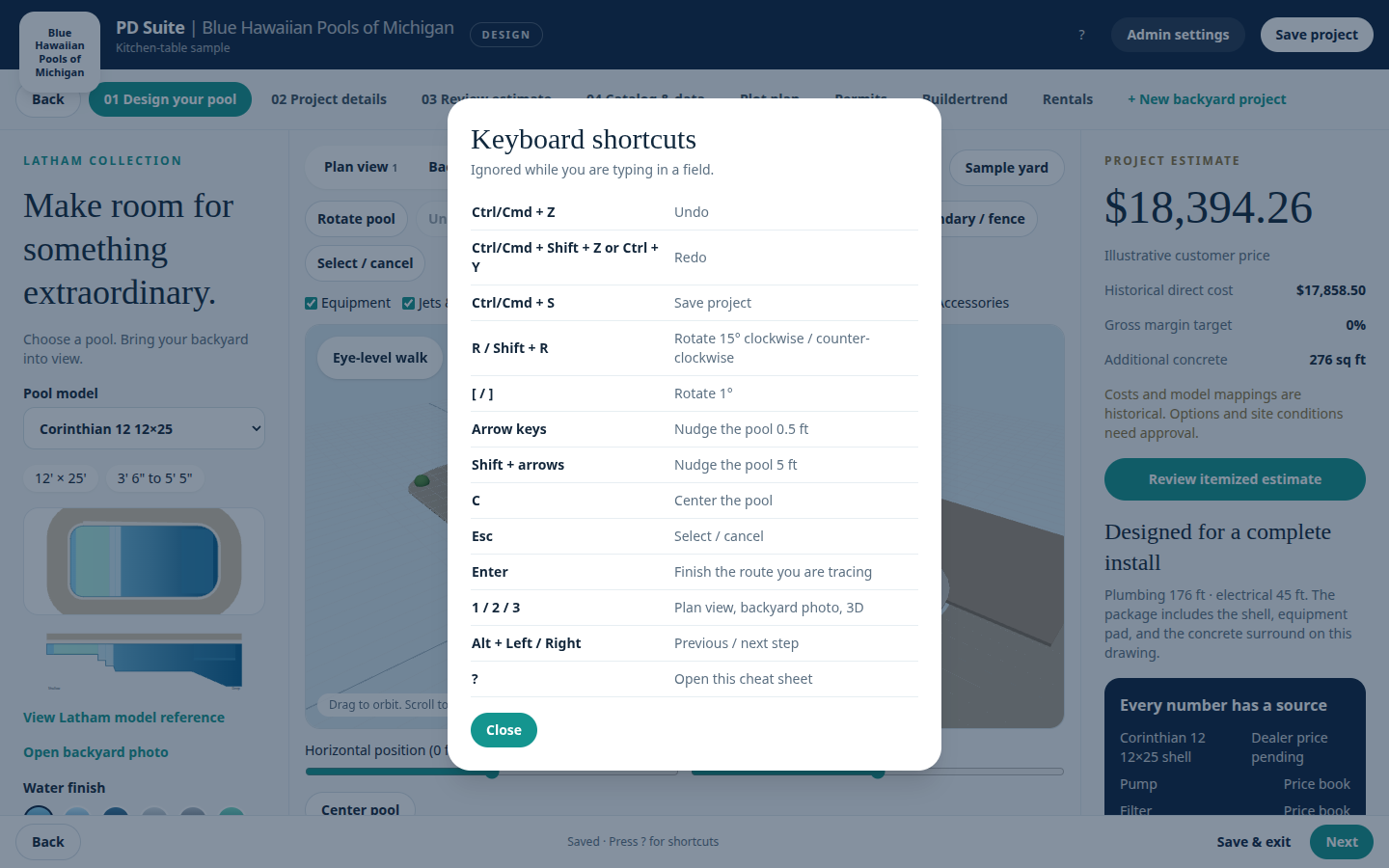
Press ? any time you are not typing in a field. Keys are ignored while the cursor is in an input.
| Keys | Action |
|---|---|
| Ctrl/Cmd + Z | Undo |
| Ctrl/Cmd + Shift + Z, or Ctrl + Y | Redo |
| Ctrl/Cmd + S | Save project |
| R / Shift + R | Rotate 15° clockwise / counter-clockwise |
| [ / ] | Rotate 1° |
| Arrow keys | Nudge 0.5 ft |
| Shift + arrows | Nudge 5 ft |
| C | Center the pool |
| Esc | Select / cancel |
| Enter | Finish the route you are tracing |
| 1 / 2 / 3 | Plan, photo, 3D |
| Alt + Left / Right | Previous / next step |
| ? | This cheat sheet |