PD Suite manual
Photo mode and scale
Upload a backyard photo or use the sample yard. The shell lies on the ground plane. A symmetric ground quad keeps a zero-degree pool square to the house across the back of the yard.
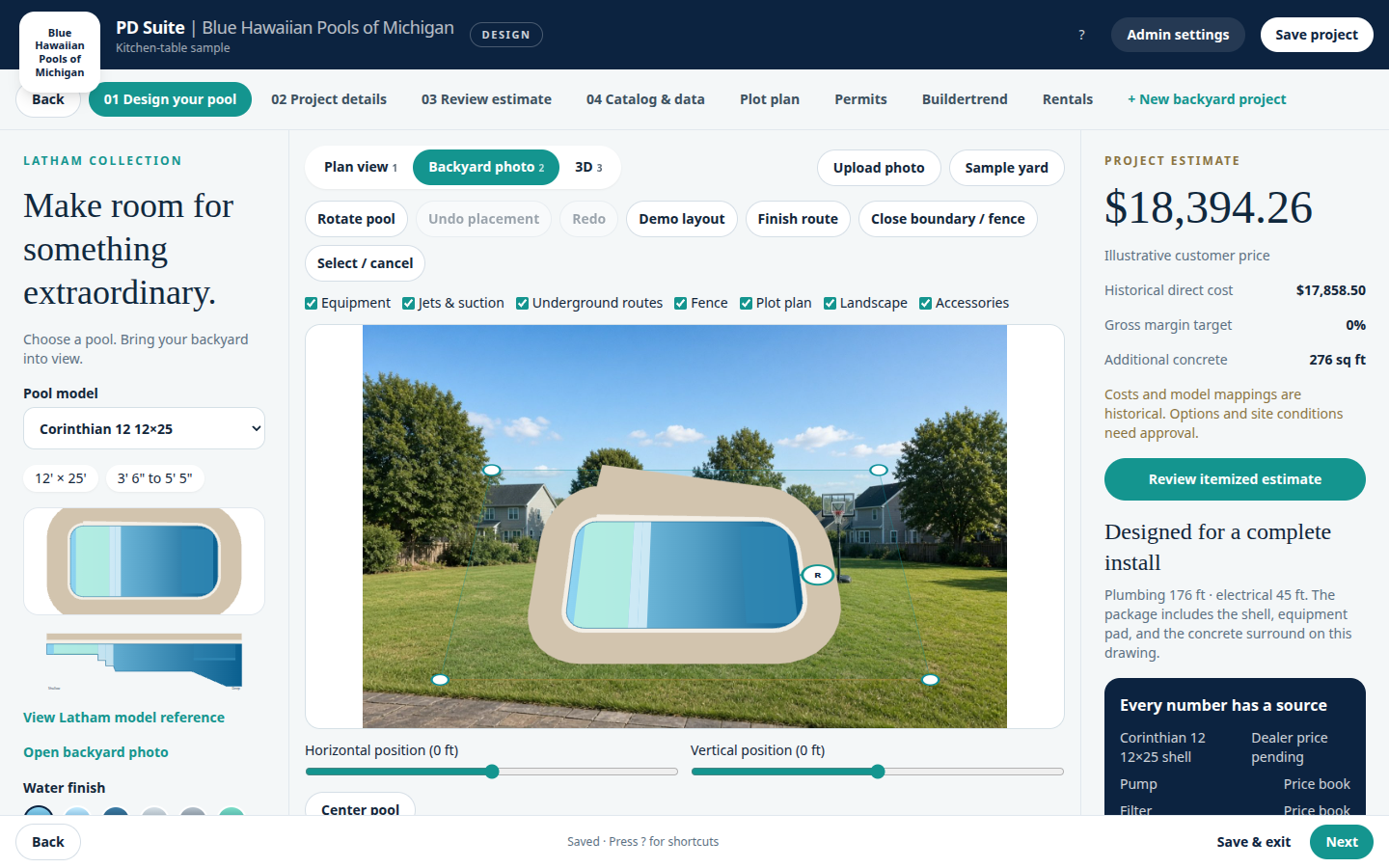
- Enter a known edge length under Scale & site measurements.
- Choose Mark two points and click the two ends of that edge on the photo.
- Drag the pool to move it. Drag the R handle to rotate it. Hold Shift while dragging to snap to 15 degrees.
- Adjust ground corners if the lawn quad needs a nudge.